In an era of sustainability, the growing importance of user comfort and space automation, precise indoor air quality monitoring is becoming not just an added value, but a real necessity.
The AM103/AM103L from Milesight are advanced LoRaWAN devices that provide key data for Smart Home, Smart Building, Smart City and industrial IoT applications. Their compact design, powerful energy-saving features and full wireless capability make them ready to work in any modern infrastructure.
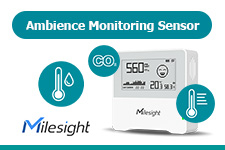
The AM103 and AM103L integrate three independent sensors to monitor CO₂ concentration, humidity and temperature. These are the parameters that have the greatest impact on user comfort, health and productivity.
With precise measurements with high resolution, the devices allow you to quickly identify situations that require intervention - whether it's in a conference room, school, production hall or public facility.
On the AM103, data is presented on a 2.13-inch E-Ink display, which provides excellent readability in both bright and dark environments. The highlighted, bold CO₂ and temperature values allow you to quickly assess the situation.
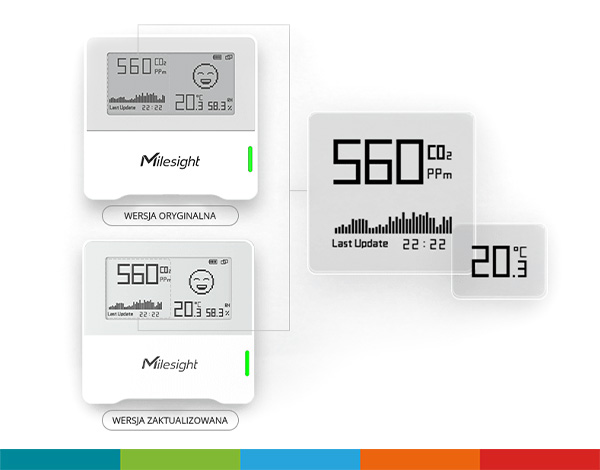
The AM103 series comes in two variants to further meet the diverse needs of users and projects.
The AM103 features an easy-to-read 2.13-inch E-Ink display that allows local viewing of data, as well as the ability to switch between a light and dark color theme for enhanced reading comfort in different lighting conditions. This is an ideal solution where a quick view of parameters without the need for an app or host system is crucial.
The AM103L version, on the other hand, has been optimized for maximum energy efficiency and simplicity. It has no display, so it offers even longer battery life - up to 4 years of continuous operation. It's a great choice for distributed installations where monitoring is done only remotely and physical access to the device is limited.
Both versions retain the same high-precision measurements and full LoRaWAN communications functionality, allowing you to flexibly select a device variant to meet the needs of your specific application - from smart homes and offices to municipal or industrial systems.
The AM103 and AM103L devices use LoRaWAN technology for long-range, energy-efficient data transmission. The range of up to 2 km in urban areas and 15 km in rural areas gives great flexibility in network infrastructure planning.
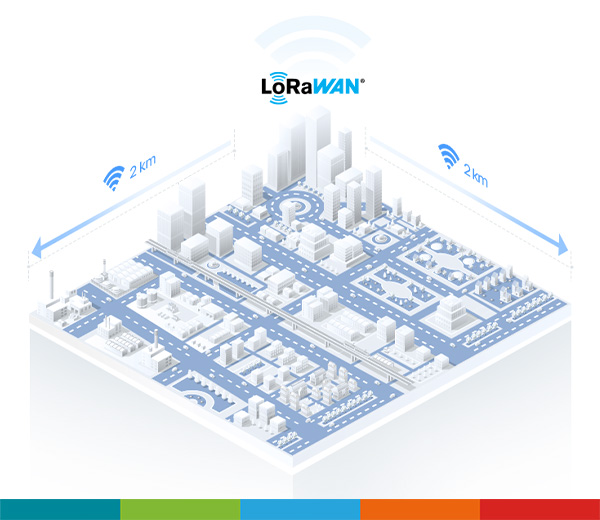
The devices are fully compatible with standard LoRaWAN gateways and network servers, making them easy to integrate into existing or planned systems.
With two 2700 mAh ER14505 Li-SOCl₂ replaceable batteries, AM103 devices can operate continuously for more than 3 years, and the AM103L version for up to 4 years.
Built-in power-saving modes, including Smart Screen and deep hibernation, minimize power consumption in low-volatility situations.
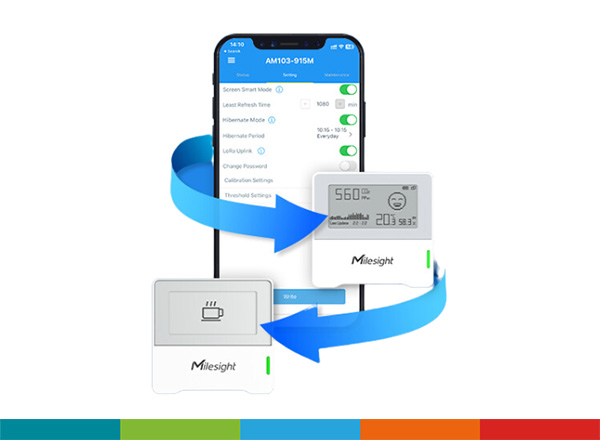
The sensor independently decides how often to update the screen, and in sleep mode it can completely disable data collection.
In conjunction with the Milesight IoT Cloud platform, users gain access to full real-time data visualization, automatic alerts, report generation and integration with other IoT devices.
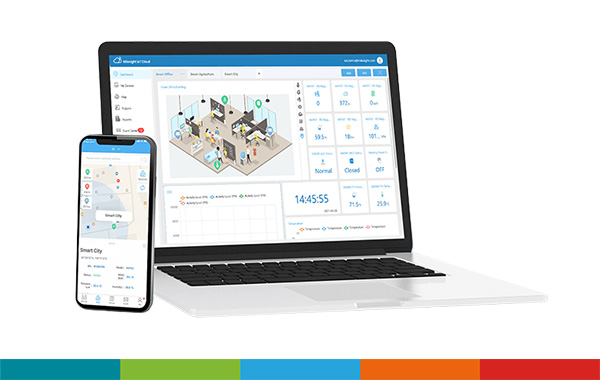
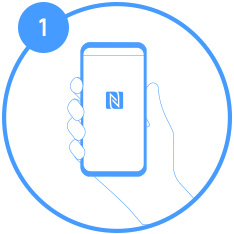
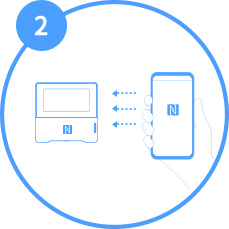
In addition, like most of Milesight's devices, the AM103/AM103L are easily configurable using a cell phone with the ToolBox app and NFC technology installed. From the app, the user can make a simple configuration of the device, as well as monitor device parameters in real time.
 |
 |
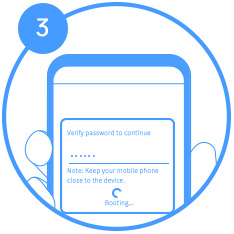 |
| Step 1 | Step 2 | Step 3 |
| Instal Milesight ToolBox | Turn on NFC and launch ToolBox, then connect your phone to the device | Verify your password and start configuration |